

Introduction
A smartphone is now closer to a mobile office than a simple phone. Bank accounts, client chats, company dashboards, and private photos all sit on one pocket device. When that device is hit by malware or a scam, the damage goes way beyond a lost contact list. Picking the right mobile security apps is no longer a nice extra; it is basic risk management.
Android includes tools like Google Play Protect, and they block plenty of bad apps. The problem is that they stop short. Security patches reach many phones late or never, and independent labs still see better detection from leading third-party mobile security apps. Attackers know this and go after phones stuck on old versions that rely only on built-in tools.
At VibeAutomateAI, we see the same pattern across small businesses and larger teams. The strongest protection comes from a mix of good mobile security apps, strong access controls, and people who know how to spot scams. This guide walks through what to look for in a security app, how independent labs rate them, and which apps stand out. It also shows how our AI-based frameworks turn mobile protection from a single app choice into a full defense plan that covers both technology and human behavior.
Key Takeaways
-
Built-in tools such as Google Play Protect help, but they miss threats that leading mobile security apps catch. Android update gaps leave clear windows of risk, especially on older or lower-cost phones.
-
You will see a short list of well-tested mobile security apps plus the features that matter most: malware blocking, web protection, VPN, anti-theft, and privacy controls. The focus stays on independent lab data rather than marketing claims.
-
Technology alone is not enough. Around sixty percent of breaches still involve people. VibeAutomateAI uses AI-driven training, social engineering detection, and clear frameworks so your chosen app works as part of a wider mobile security strategy.
1. VibeAutomateAI: Strategic Mobile Security Through AI-Powered Frameworks
When people hear about mobile security apps, they often think only about virus scans. We take a wider view. At VibeAutomateAI we look at how phones connect into the whole business, which accounts they reach, and how attackers try to trick staff as often as they try to break software.
We do not publish a consumer antivirus app. Instead, we guide teams on how to apply Multi-Factor Authentication (MFA), Privileged Access Management (PAM), and Zero Trust ideas to every account that a phone touches. That means clear rules about:
- Who can reach which systems
- From which device
- Under what conditions
When a mobile security app flags a threat, our playbooks help decide what happens next in minutes, not hours.
AI sits at the center of this approach. We help clients use pattern analysis to spot odd login paths, strange device and location mixes, sudden payment changes, or wording in messages that hints at social engineering. These signals often appear before malware.
The human side matters just as much. Our AI-driven learning programs give staff short, focused lessons on mobile phishing, unsafe Wi‑Fi, and risky app installs. Leaders see progress through metrics such as time to detect, time to respond, and manual hours saved. VibeAutomateAI acts as the strategic layer above the mobile security apps in this guide, so every app fits into a tested defense plan.
“Security is a process, not a product.” — Bruce Schneier
2. Why Your Phone Needs More Than Built-In Security

It is easy to assume a modern Android phone is safe out of the box. Google Play Protect scans apps in the store and on the device, and Android uses sandboxing to separate apps. The weak point is how updates reach real phones. Patches pass from Google to device makers to carriers, and each step can add weeks or months of delay.
Independent labs that test mobile security apps see this gap in numbers. Top third-party tools often block close to one hundred percent of current Android malware samples, while Google Play Protect still trails in some rounds. Many phones also stop receiving system updates after two or three years, even though the hardware still works well. Attackers target these older devices because known bugs stay open.
Phones now hold access to email, banking, payroll, cloud dashboards, and customer records. Malware, phishing, fake banking pages, and chat-based scams all meet in one place. Relying only on what came with the phone breaks a basic security rule: no single layer is enough. Adding strong mobile security apps adds:
- Extra malware detection
- Safer browsing and link checks
- Better protection for installs from outside official stores
When we design mobile strategies for clients, we treat built-in tools as a starting point, not the finish line.
3. Essential Features Every Mobile Security App Must Have
Good marketing can make almost any product sound safe, so we focus on a short set of core features when we evaluate mobile security apps. These match the main attack paths we see every week and line up with how independent labs run their tests.
Real-Time Malware And Virus Protection
The first job of any mobile security app is to stop malicious code before it does damage. Look for:
- Real-time scanning of new apps, updates, and downloads
- On-demand scans you can run after a risky event or on a schedule
- Cloud-based checks and behavior analysis that spot new threats, not just known signatures
When we review lab results from AV-Test or AV-Comparatives, we look for detection rates near one hundred percent and very few false alarms. Too many false positives train people to ignore warnings.
Web Protection And Anti-Phishing Defense
A large share of attacks now start in the browser, not inside apps. Strong mobile security apps include:
- Safe browsing that blocks known malware and fake banking sites
- Real-time checks that spot copycat pages of major brands
- Link scanning for text messages and chat apps
Some tools even rate apps in the store before install. When these layers work together, they stop many threats before anyone types a username or taps a download.
Wi-Fi Security Scanning
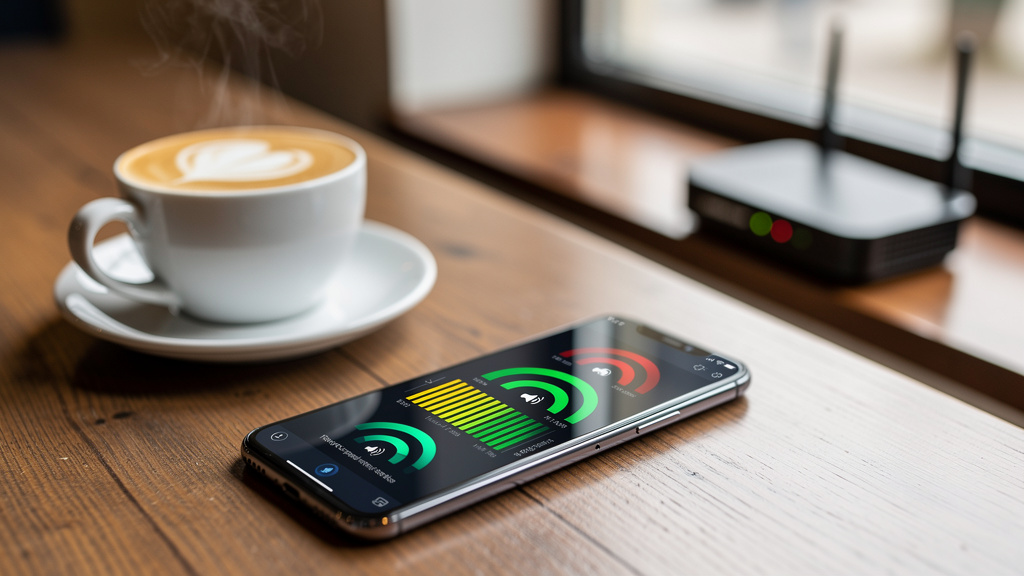
Phones often join hotel Wi‑Fi, airport networks, coffee shop hotspots, and client guest networks. Not all are safe. Strong mobile security apps:
- Scan each new network for weak or outdated encryption
- Flag signs of fake access points set up to spy on traffic
- Suggest turning on a VPN when a network looks risky
This simple network awareness stops many attacks that rely on public wireless access.
4. Privacy Protection And Identity Security Features
Malware is only one part of the risk picture. Many attacks aim to steal data, watch activity, or reuse stolen passwords instead of breaking the device itself, particularly as cyber threats in mobile healthcare and sensitive applications continue to evolve. The best mobile security apps add privacy and identity features to keep both personal and business data under tighter control.
VPN Integration For Secure Connections
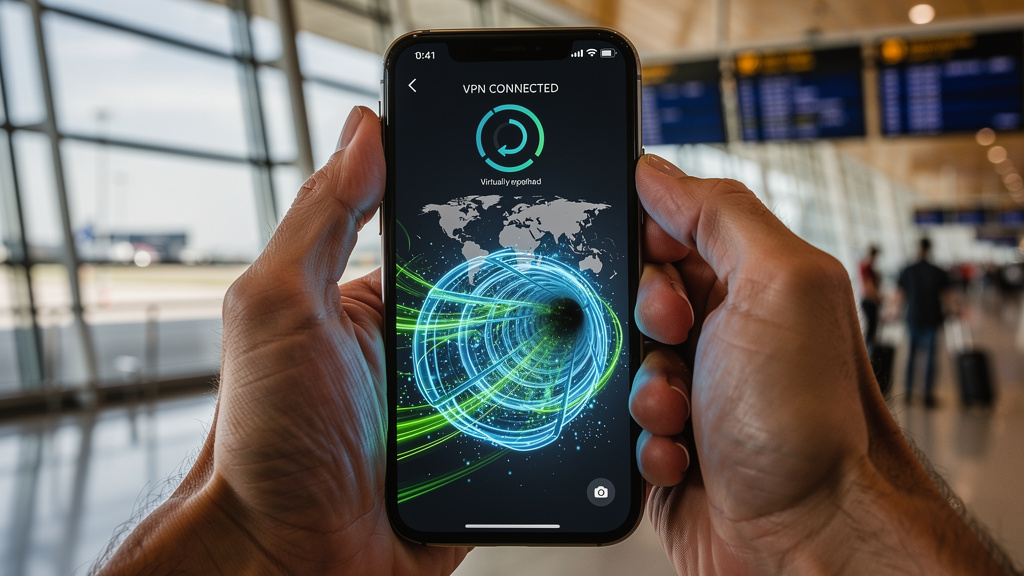
A virtual private network, or VPN, wraps internet traffic in encryption so snoops on public networks see only scrambled data. When a VPN is built into mobile security apps, it becomes much easier to protect logins and banking sessions on the road.
Key points to watch:
- Data limits vs. unlimited VPN use
- Effect on battery life and speed
- How easy it is to keep VPN active on shared or unknown networks
We advise keeping the VPN on for any network that is shared, unknown, or free.
App Lock, Photo Vault, And Permission Management
Phones are often shared briefly with family, friends, or coworkers. Good mobile security apps help by adding:
- App Lock: a second PIN, pattern, or fingerprint on banking, email, and messaging apps
- Photo vaults: encrypted storage for private media, hidden from the gallery and other apps
- Permission managers: alerts for apps that request more data than they need, such as simple games asking for contact lists or precise location
Some tools even review social network privacy settings and point out risky defaults.
Data Breach Monitoring And Hack Alerts
Many attacks begin long before they reach a phone, through old passwords leaked in data breaches. Better mobile security apps:
- Watch known breach dumps and dark web sources for your email or usernames
- Send clear alerts when they see a match
- Suggest actions such as password changes and turning on MFA
A few also help remove personal records from data brokers. This turns slow-moving, hidden risks into simple, timely actions.
5. Anti-Theft And Device Recovery Capabilities
Loss and theft remain simple but costly threats, with mobile EDR security tools like iVerify now detecting even zero-click exploitation attempts that bypass traditional defenses. A strong passcode and disk encryption help, but they do not solve the problem of finding or wiping a missing phone. Android includes Find My Device, yet many mobile security apps add deeper anti-theft tools and central control for admins.
Core Anti-Theft Functions
Most leading mobile security apps include:
- A web dashboard that shows the last known location of the phone
- Remote lock with a new PIN
- Remote wipe that erases personal data if recovery looks unlikely
- A loud alarm to find a phone nearby, even when set to silent
These controls turn a lost phone from a major data risk into more of a hardware problem.
Advanced Theft Deterrence Features
Some mobile security apps go further with:
- Front camera photos after failed unlock attempts, stored online with time and place
- SIM change detection followed by an automatic lock
- Command-by-text options to lock or wipe when data is offline but SMS still works
Vendors such as Norton now lean on Android’s own tracking instead of running separate anti-theft tools, while others still offer full feature sets. We match these options to how staff travel, handle sensitive data, and manage devices.
6. Performance Optimization Tools And System Impact
Many people worry that mobile security apps will slow a phone or drain its battery. That used to be common; now top tools are far lighter. Some even help the phone run better.
Built-In Performance Enhancement Features
Most well-known mobile security apps now bundle:
- Junk file cleaners for cache data and leftover files
- Memory managers that close idle background apps
- Battery monitors that highlight the worst power hogs
- Simple network speed tests
Used with care, these tools can offset much of the overhead from real-time scanning.
Measuring Real-World Performance Impact
Independent labs such as AV-Test measure how mobile security apps affect:
- Start-up time
- App launch speed
- Battery use during normal tasks
They also track CPU and memory use during scans and background monitoring, then label products as light, medium, or heavy. When we guide clients with older or budget devices, we favor apps that score high on protection while staying light on resources.
7. How Independent Testing Labs Evaluate Mobile Security Apps
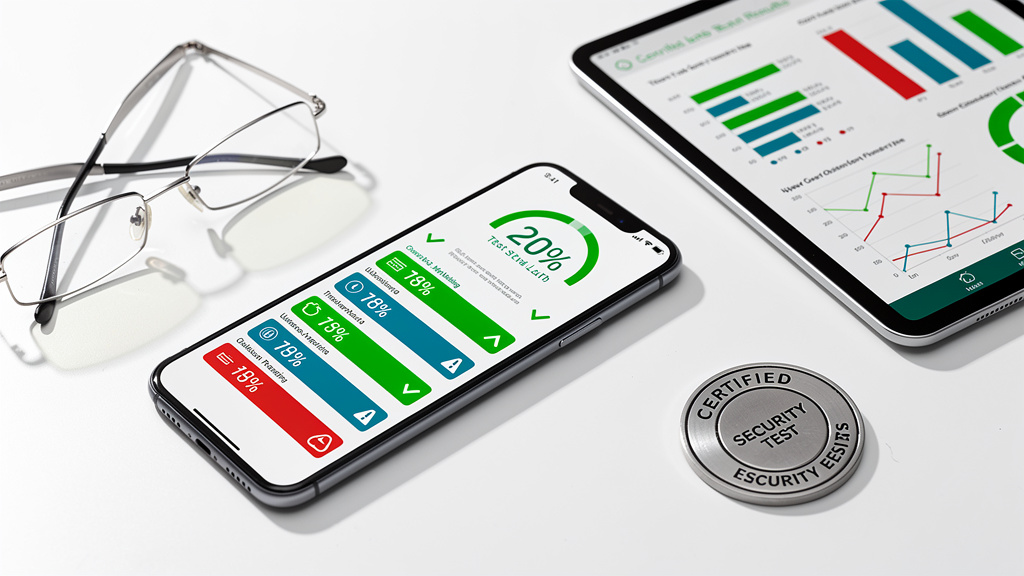
Marketing claims are easy. Hard numbers from independent labs carry more weight. When we pick or recommend mobile security apps, we lean on repeatable test data from a few respected groups.
AV-Test Institute Methodology
AV-Test scores mobile security apps across three areas:
- Protection: how many current and brand-new malware samples the app blocks in real time
- Performance: impact on battery life and slowdowns during daily tasks
- Usability: false positives and how often safe software is blocked
Each area scores up to six points, so a perfect product earns eighteen. Many apps in this guide have hit that top mark in recent rounds.
AV-Comparatives And MRG-Effitas Testing
AV-Comparatives focuses on how mobile security apps handle malware found in the wild. Their reports list the percentage of threats each product blocks, making side-by-side comparison easy.
MRG-Effitas looks at whether apps stop threats:
- Before launch
- During install
- Only after the malware starts running
That detail helps us judge how proactive a product is in practice.
Consistent High Performers Across Labs
When we shortlist mobile security apps for clients, we look for names that stay strong over many test rounds and labs:
- Bitdefender often earns perfect or near-perfect scores with few false positives
- Norton, Avast, and Avira also show high detection and solid usability
- ESET is a frequent pick for tight security plus helpful extras
Google Play Protect has improved but still tends to sit below the best third-party tools. That is one more reason we advise adding a separate app on top of the built-in service.
8. Top Mobile Security Apps: Detailed Reviews And Recommendations
Below are well-tested mobile security apps that often score highly in independent labs. We do not sell these products; we help clients choose and use them well, with VibeAutomateAI providing the strategy layer on top.
Bitdefender Mobile Security
Bitdefender often tops lab charts. Its Android mobile security app combines:
- Very accurate malware blocking
- Scam Alert for link checks
- Account Privacy for breach checks
- App Lock
- A built-in VPN with a daily data cap
The interface is clean and ad-free, scans are quick, and false positives are rare. The main limitation is the small VPN allowance on basic plans. Pricing is fair with single-device and multi-device options. We often point to Bitdefender for people who want maximum protection and strong privacy tools.
Norton 360 For Mobile
Norton 360 brings a long security history to mobile security apps. Its Android product usually earns excellent lab scores and stands out for:
- An unlimited VPN on many plans
- App Advisor to flag risky apps in Google Play before download
- SMS Security for scam link scanning
- Dark web monitoring for personal data
Norton removed its own anti-theft tools and now relies on Android’s Find My Device, which keeps the app lighter. Pricing sits a bit higher, but multi-device plans can cover phones, laptops, and tablets under one subscription. Norton is a strong choice for users who want VPN and cross-platform cover in one place.
Avast Mobile Security
Avast Mobile Security is one of the better-known free mobile security apps. The free tier includes:
- Solid malware detection
- Wi‑Fi Security checks
- App Lock and Photo Vault
- Junk Cleaner and RAM Booster
Ads help fund the free version, though some people find them distracting. Avast One premium plans add unlimited VPN and extra privacy tools. Lab scores are usually strong and close to top brands. Avast is a good pick for cost-conscious users and very small businesses that need solid basics quickly.
ESET Mobile Security
ESET Mobile Security has a long record of high scores, with some MRG-Effitas tests showing perfect detection. On Android, it offers:
- Payment Protection with a hardened browser for banking
- Strong anti-theft with SIM guard and SMS commands
- Call and text filters to cut spam
Power users like its detailed scan scheduling and tuning options, though beginners may find the interface a bit busy. On older phones, deep scans and active anti-theft can feel heavier. Pricing sits in the mid-to-high range but brings a rich feature set. We point clients with higher theft risk or heavy mobile banking toward ESET.
Trend Micro Mobile Security
Trend Micro focuses strongly on privacy and web safety in its mobile security apps. Key features include:
- Pay Guard Mobile: a secure browser space for payments and sensitive logins
- Social Media Privacy Checker: reviews settings on major platforms
- Thief photo capture and Wi‑Fi Checker
- Strong web filtering for scam sites
Labs usually rate Trend Micro high for detection and solid for usability, though scanning can feel heavier on mid-range hardware. We often recommend it to people who shop and bank heavily on their phones and care deeply about privacy.
AVG Antivirus Free
AVG Antivirus Free shares technology and design with Avast and is one of the better free mobile security apps. It offers:
- Malware scanning and Scam Protection for links
- Wi‑Fi speed tests
- App Lock and Photo Vault
- Cleanup tools for junk files and background tasks
Ads support the free tier. Paid plans add more privacy tools and VPN data. Lab tests usually show AVG close to Avast. For solo entrepreneurs or very small teams on tight budgets, AVG is a solid first step while we work together on a broader mobile security plan.
9. Choosing The Right Mobile Security App For Your Needs
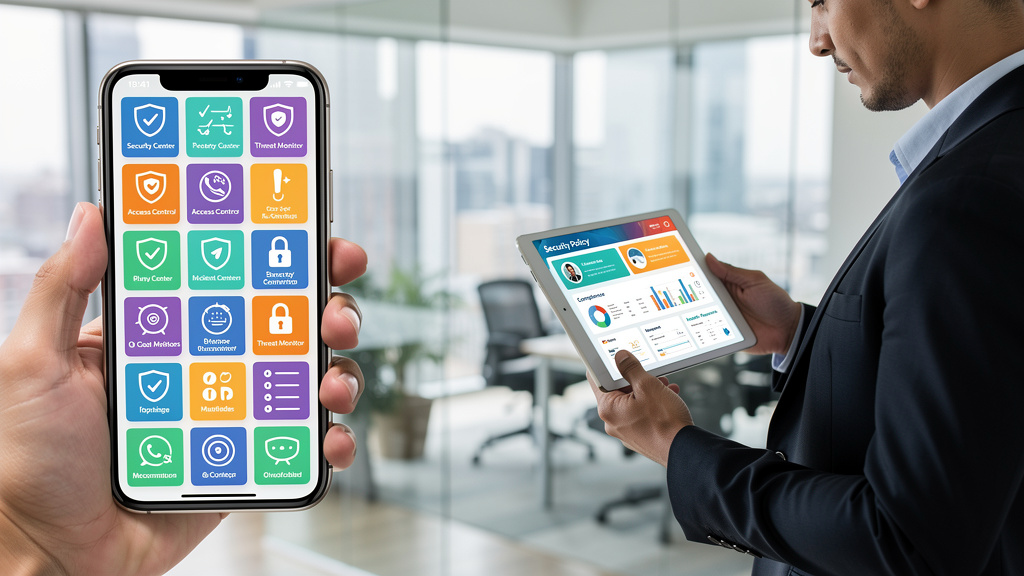
With so many mobile security apps available, it is easy to feel stuck. There is no single best product for everyone. The right choice depends on how you use your phone, what data it touches, how old the hardware is, and how much you want to spend.
Free Vs. Paid: Understanding The Trade-Offs
Free mobile security apps usually provide:
- Core malware scanning
- Basic web protection
In return, you often see ads, strict VPN limits, and little or no identity monitoring. For light personal use on a newer device, that can be good enough.
Once a phone handles business email, shared documents, client data, or payments, the risk picture changes. Paid plans (often between fifteen and fifty dollars per year) usually:
- Remove ads
- Add VPN and breach alerts
- Expand anti-theft and privacy tools
- Cover several devices in one plan
That cost is small compared to even one serious incident.
Key Decision Factors
After picking a budget, we sort mobile security apps by a few practical points:
- Protection strength: steady high scores from AV-Test, AV-Comparatives, and MRG-Effitas
- Features vs. needs: VPN, advanced anti-theft, privacy tools, and identity alerts where they matter most
- Performance: light impact on older or budget phones
- Ease of use: clear dashboards and simple settings
For homes and small offices, cross-platform suites like Bitdefender Total Security or Norton 360 can protect several devices under one subscription.
In a business setting, we also think about how the app will fit into a wider Zero Trust model with MFA, role-based access, and clear incident steps. This is where VibeAutomateAI adds value, aligning mobile security apps with AI-guided training and access frameworks so human error and response times both improve.
10. Integrating Mobile Security Apps With Comprehensive Protection Strategies
Even the best mobile security apps only cover part of the risk. They guard the device, watch web traffic, and block bad files. They do not decide who should access which dashboard, how approvals work for payments, or how staff respond to a suspicious text at the end of a long day.
At VibeAutomateAI we link app-based protection with wider controls and training. We help clients:
- Turn on MFA for every important account a phone can reach
- Use PAM to keep admin rights rare and time-limited
- Define simple playbooks for what to do when mobile security apps report a threat
Training runs on a regular rhythm, not as a one-off. Short sessions teach staff how fake delivery texts, urgent wire requests, and spoofed support calls show up on phones. Simulated phishing lets them practice safe behavior in low-risk conditions.
Behind the scenes, AI systems watch for odd access patterns such as logins from new countries, late-night admin actions on mobile, or device–account pairs that do not match past behavior. When they spot trouble, they alert both people and systems so extra checks and blocks happen quickly.
We also apply Zero Trust ideas to mobile access: every request from a phone is treated as untrusted until it passes checks on user, device, and context. Micro-segmentation keeps access narrow, so even a compromised phone cannot roam widely inside company systems. For sensitive data on phones, we insist on encryption and clear wipe plans.
“Amateurs hack systems, professionals hack people.” — Bruce Schneier
For small businesses this may sound heavy, but our job is to break it into steps that fit real budgets and teams. In that context, mobile security apps become one strong part of a living security culture rather than a lone shield.
Conclusion
Phones have become the front door to both personal and business data, so they draw constant attention from attackers. Built-in Android tools like Google Play Protect provide a useful first layer, but patch delays and lower detection rates leave clear gaps. Third-party mobile security apps close many of those gaps with stronger malware blocking, safer browsing, Wi‑Fi checks, anti-theft, VPNs, and privacy controls.
The apps covered here stand out for strong lab scores and useful features. Bitdefender offers tight protection and a clean design. Norton shines when unlimited VPN and cross-platform coverage matter. Avast and AVG give budget-friendly starting points, while ESET and Trend Micro appeal to users who want deeper control and stronger payment or privacy focus.
Technology alone does not fix the fact that most breaches still involve people. That is why VibeAutomateAI focuses on AI-guided training, access control frameworks, and incident response plans that treat staff as part of the defense. When strong mobile security apps sit inside this wider plan, teams see faster detection, calmer responses, and fewer serious incidents. The next steps are simple: choose an app that fits your needs and budget, turn on key features like real-time scanning and VPN, and then build the habits and controls around it—with VibeAutomateAI ready to help when you are.
FAQs
Question 1: Do I Really Need A Mobile Security App If I Have Google Play Protect?
Google Play Protect blocks many bad apps, but independent tests still show gaps compared to top mobile security apps such as Bitdefender, Norton, and ESET. Android update delays also leave some phones exposed to known bugs for months. Built-in tools rarely include strong VPNs, message-level anti-phishing, or breach alerts. We suggest at least a good free third-party app, and for business use we prefer a full-featured paid option.
Question 2: Will A Mobile Security App Slow Down My Phone Or Drain My Battery?
Modern mobile security apps are designed to run quietly in the background. You may notice a small slowdown or extra battery use during a full scan, but normal calls, messages, and browsing should feel the same. Independent labs test how products affect start-up times and app launches and highlight those with lighter footprints. Some apps even improve performance with junk cleaners and battery monitors.
Question 3: What Is The Difference Between Free And Paid Mobile Security Apps?
Free mobile security apps usually provide core malware scanning and some web protection, which is far better than nothing. They often:
- Show ads
- Limit VPN use
- Skip dark web monitoring and richer anti-theft tools
Paid plans (often fifteen to fifty dollars per year) remove ads and add VPN, breach alerts, privacy advisors, and cross-device coverage. Free can be fine for light personal use, but we prefer paid plans once a phone holds business email, client data, or access to shared cloud systems.
Question 4: Can Mobile Security Apps Protect Me From Phishing Scams And Malicious Links?
Yes. Good mobile security apps add strong web filters and safe browsing that block many fake pages and malware sites. They often scan links in text messages and chat apps and warn before a tap leads to trouble. Some even rate apps in the store before install to catch risky behavior early. Very polished phishing attempts can still slip through, so user awareness stays vital, which is why VibeAutomateAI pairs technical controls with regular security awareness training.
Question 5: How Do Mobile Security Apps Protect My Privacy And Personal Data?
Many mobile security apps go beyond malware blocking to guard privacy. Common tools include:
- App Lock for a second code or fingerprint on banking and email
- Permission advisors that flag apps asking for excessive data
- Built-in VPNs that encrypt traffic on unsafe Wi‑Fi
- Breach monitors that watch for your email or passwords in known leaks
- Photo vaults that hide private pictures in encrypted storage
Alongside these tools, strong company policies and regular training help staff use phones in ways that keep both personal and client data safer.
Stay connected